


Written By: Ashley Samuels
Last Updated: October 22, 2026 07:44 PM
Every business location needs dependable access to payment systems, cloud applications and remote support. Whether the internet arrives through a cellular tower or a satellite matters less than whether it keeps those tasks running when employees and customers need them.
This guide compares fixed wireless vs. Starlink for stationary business locations. It covers site suitability, deployment, backup design, cost and performance, not residential plans or satellite-to-phone service.
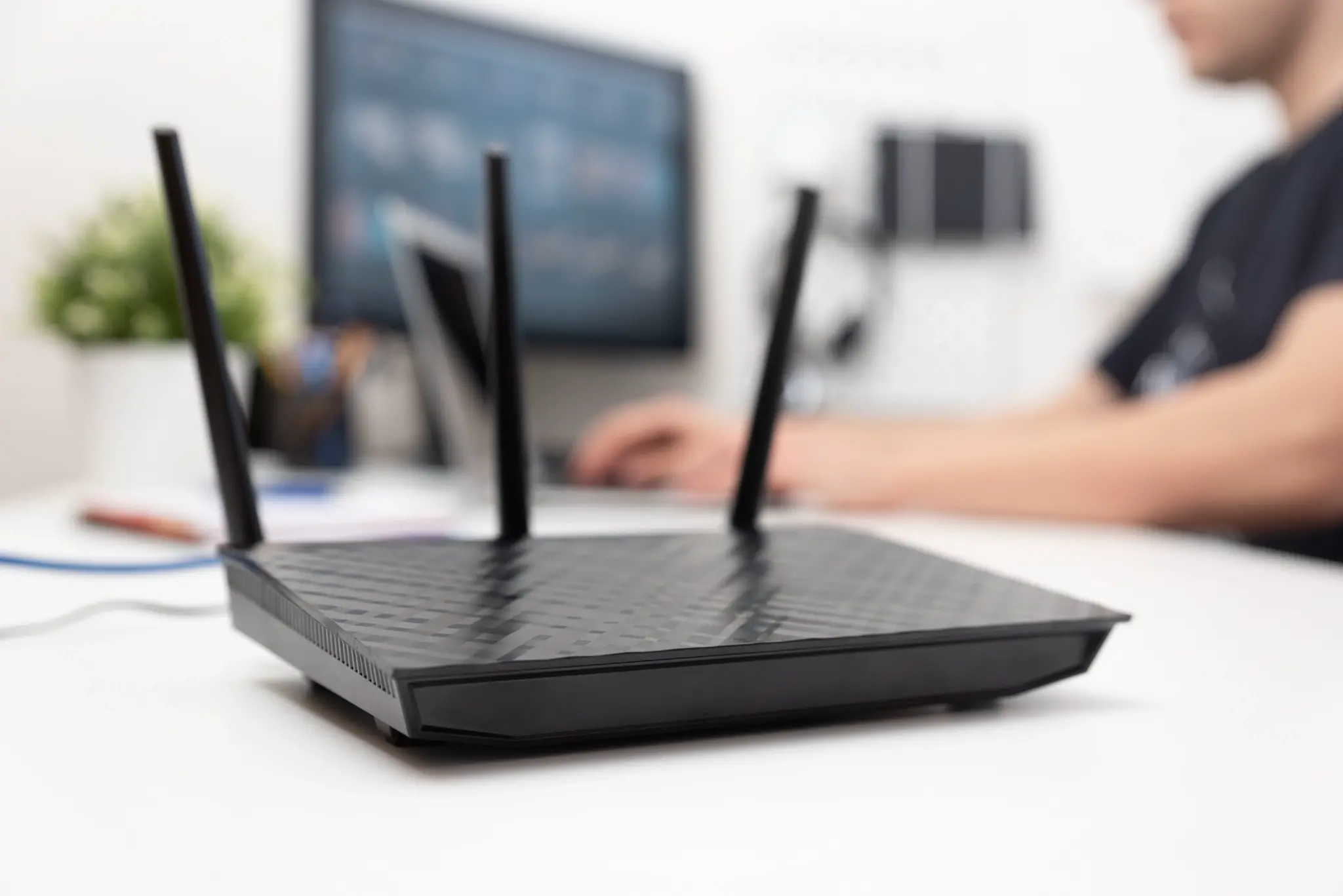
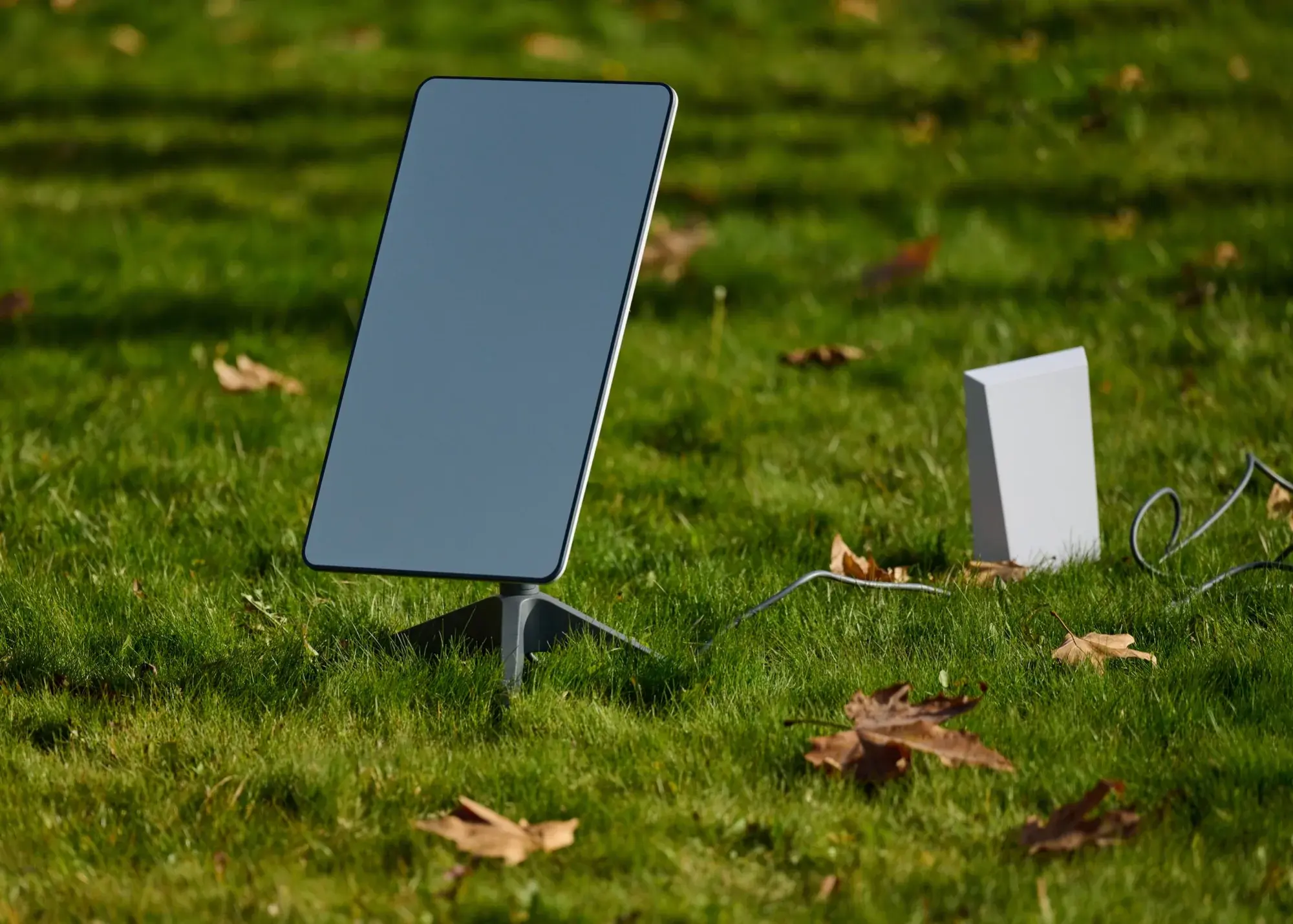
Yes, for many sites. Where a carrier can deliver strong signal and enough capacity at the building, cellular fixed wireless can support the same everyday workloads a business would otherwise put on Starlink. Business fixed wireless access, or FWA, uses a gateway to connect a stationary location to a terrestrial network. Here, FWA means cellular LTE or 5G service, rather than every technology sold under the fixed-wireless label. Starlink uses a terminal communicating with low-Earth-orbit satellites.
Both deliver internet access without a new wired connection into the building. Neither eliminates installation planning: cellular equipment needs suitable signal conditions, while a satellite terminal needs an appropriate mounting position and unobstructed sky visibility.
Evaluate a Starlink alternative against the work the location must support. A retail branch might prioritize transactions and remote administration; an office may need simultaneous video calls and cloud access. Those requirements determine acceptable capacity, responsiveness and outage recovery.
Starlink deserves consideration where terrestrial coverage is inadequate. Cellular FWA deserves consideration where a carrier-qualified location can support the workload with suitable equipment and service terms. For a distributed business, the answer may differ by address. Standardize the evaluation process rather than assuming one access technology fits every site.
The Starlink vs. cellular decision starts with the access path, then moves to the service around it. A 5G router vs. Starlink terminal comparison is only part of the buying decision: installation, administration and support also affect the result.
Use these criteria to compare the proposed business configurations.
| Buying Criterion | Cellular Fixed Wireless | Starlink |
|---|---|---|
| Site qualification | Carrier coverage, capacity and usable signal | Service availability and unobstructed sky |
| Equipment placement | Gateway location; antenna if needed | Terminal mount, cable route and power |
| Deployment work | Provisioning, configuration and signal testing | Mounting, cabling and obstruction checks |
| Environmental sensitivity | Foliage, heat and building materials | Obstructions and heavy rain or snow |
| Provider diversity | Multiple carriers may serve one address | One satellite operator per terminal |
The table identifies what to verify, not a universal winner. Ask each provider to document the actual equipment, plan and responsibilities included in its proposal.
For Starlink vs. FWA, coverage maps are a screening tool, not proof that a particular building will perform well. Test cellular service where the gateway will operate, including any proposed antenna. Check satellite visibility from the intended mounting location, not simply from the property's entrance. Account for permissions, safe access and cable routing before committing to a deployment date.
LTE vs. Starlink is still a fair business comparison. Where 5G is unavailable, a strong LTE signal may comfortably carry payments, email and cloud applications, so a Starlink vs. 4G evaluation should start from the workload rather than the network generation. Across a portfolio of sites, the Starlink vs. LTE answer often changes address by address, because local signal and capacity matter more than the label.
Starlink and FWA can both be part of a managed service. Do not confuse the access technology with the operating model. Establish who configures equipment, monitors service, handles replacement hardware and owns escalation. A satellite offer is not automatically unmanaged, and a cellular subscription does not automatically include those services.
Compare complete costs: hardware, mounting or antennas, installation, monthly service, usage conditions, support and replacement logistics. Obtain current business quotes for the same workload and support scope; household promotions are not an equivalent baseline.
It can, provided the cellular connection supports essential applications and offers useful redundancy relative to the primary service. The reverse is equally important: satellite backup internet may fit a site where cellular coverage cannot sustain those applications.
Assess Starlink backup internet as a continuity design, not an extra subscription. Identify which workloads stay online, how much capacity they need and which traffic can wait. Payment transactions may deserve priority over software downloads or nonessential video. Apply the same exercise to cellular backup.
Automatic failover depends on the router, health checks, configuration and service design. Neither a SIM nor a satellite terminal guarantees uninterrupted applications. Using Starlink as failover, or using cellular FWA, may change the public IP address or require sessions and VPN connections to recover. Test application behavior, not just whether a gateway reports an active backup link.
A different access path can reduce exposure to some failures without removing every dependency. Both connections may still rely on the same site power, router or local network. Cellular networks also have upstream infrastructure; a satellite link does not bypass an outage inside the branch. Include backup power and equipment failure in the recovery plan.
Whether evaluating a Starlink business failover solutions provider or a managed cellular provider, ask who installs, monitors and tests the complete design. Confirm the escalation contact, replacement process and restoration responsibilities before an outage occurs.
Budget for the backup's operating conditions, too. Verify standby versus active charges, data or priority allowances, and costs during a prolonged outage. A low recurring price can be misleading if recovery requires extra installation work or unexpected usage spending.
Finally, test failover and failback during a controlled maintenance window. Check transactions, remote access and voice or video under representative load. Record recovery behavior and repeat the exercise after material changes to equipment, applications or service configuration.
Is Starlink faster than 5G? Sometimes, but neither technology wins at every location or under every operating condition. A Starlink vs. 5G comparison should use measurements from the proposed site and service, not unrelated advertised maximums.
Recent Speedtest data shows how close the two have become. Ookla data reported by Telecompetitor shows Starlink users reached median download speeds of at least 100 Mbps in every state except Alaska in the second half of 2025, with median latency under 40 milliseconds in 10 states. Ookla's Q2 2026 fixed wireless results put the fastest 5G FWA provider at a 222.7 Mbps median download and 46-millisecond median latency. Upload is the tighter limit for both: only 22 states saw Starlink median uploads of 20 Mbps or more, and the leading FWA provider's median upload was about 18 Mbps. These figures largely reflect consumer plans, so treat them as context rather than a forecast for a business site.
Assess Starlink speed vs. 5G using both download and upload performance. Download capacity affects cloud content and updates; upload capacity matters for video calls, camera traffic and sending files. Comparing Starlink internet speed vs. 5G without accounting for simultaneous users can hide an important capacity gap.
For Starlink latency vs. 5G, measure responsiveness to the applications the business actually uses. Include jitter, the variation in delay, and packet loss. A fast download test does not prove that calls or remote sessions will remain stable.
Cellular results depend on signal, building materials, gateway placement, network capacity and congestion. Satellite results depend on terminal placement, obstructions, weather exposure and service conditions. Test during busy operating hours and repeat measurements; a quiet morning sample is not a complete performance profile.
Is Starlink better than 5G for your business? It depends on the site. Satellite is often the stronger fit where cellular signal is weak or the location is remote; cellular is often the strong fit where a roof mount is impractical or several carriers serve the address.
Before selecting either connection:
For organizations evaluating business fixed wireless internet, Kajeet qualifies each location, compares carrier options and provides one view of device, usage and connectivity status through Sentinel. For sites that need extra resilience, smartSIM multi-carrier options and Concierge deployment and lifecycle support can back a primary or backup design, with switching behavior set by the approved configuration. Ask Kajeet to assess your locations and design the right primary or backup connection for the work each site needs to keep running.

Ashley leads the marketing organization at Kajeet, bringing deep expertise in demand generation, brand strategy, and marketing operations to the wireless technology space. When she isn't deep in go-to-market strategy, you can usually find her wrangling a bustling household in the D.C. area and volunteering in the local community.


.png)