

Not sure which product fits your deployment?
Contact SalesNot sure which connectivity solution fits your deployment?
Contact SalesLearn how Kajeet can support connectivity in your organization.
Contact SalesLooking for guidance on your connectivity strategy?
Talk to Us
Written By: Ashley Samuels
Last Updated: November 3, 2026 09:00 PM
Emergency medical site connectivity gives a temporary clinic a network path to its approved clinical applications and remote care teams. Kajeet’s Mobile Network Kit combines a 5G router, a secure VPN, power accessories and Sentinel management, and it depends on usable cellular service. Clinic IT teams should test workloads, access controls, power and downtime procedures before relying on it.
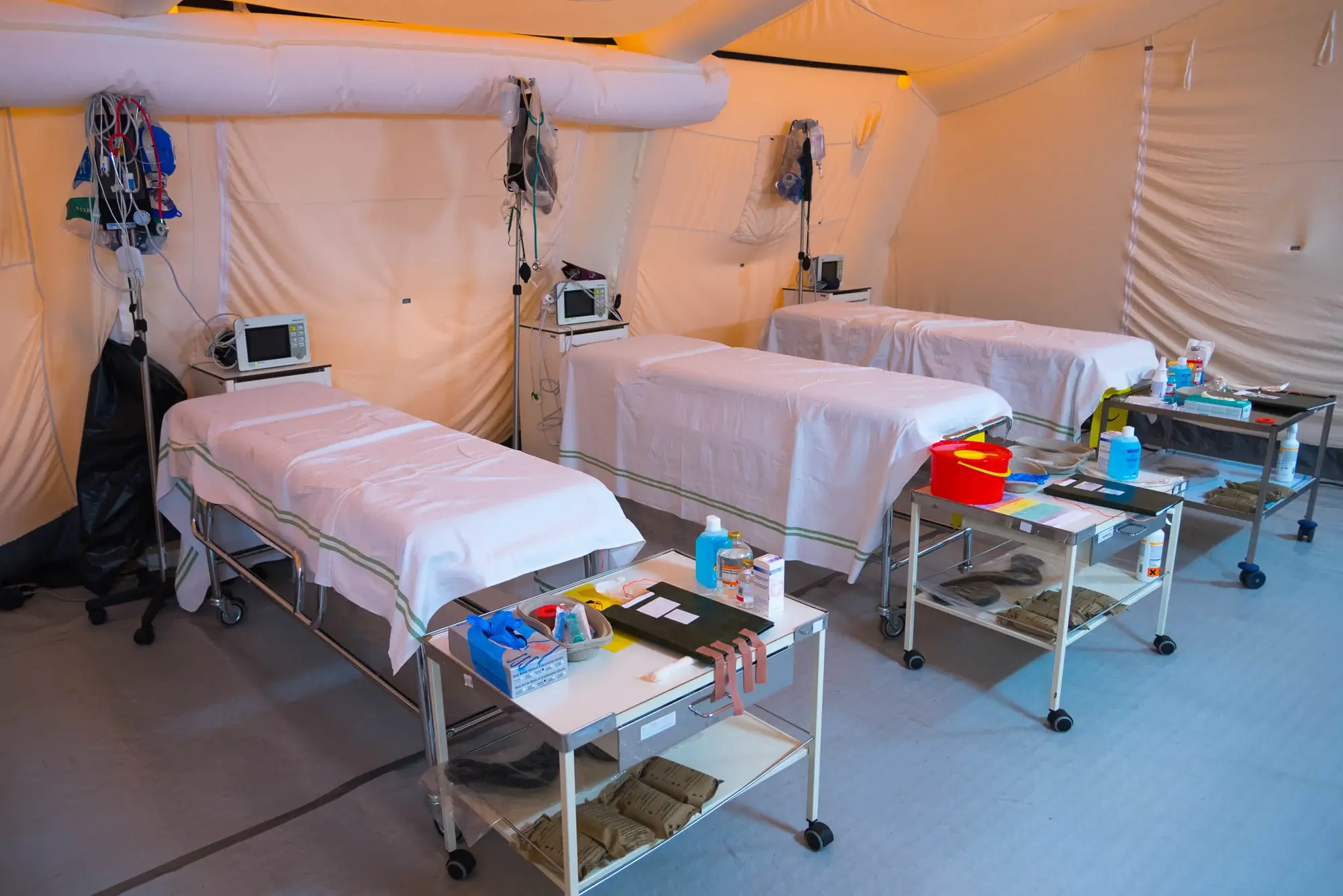
Kajeet’s Mobile Network Kit is portable networking for temporary care sites such as pop-up and mobile health clinics. It supplies connectivity, not an EHR, a telehealth service or clinical decision support. Treat network readiness and clinical readiness as two separate checks.
Start with the clinic’s approved applications and authorized devices, then confirm staff can reach each required system from the deployment site itself. Kajeet’s healthcare connectivity solutions cover managed LTE and 5G for connected care beyond temporary sites.
Connectivity moves information, and interoperability decides whether two systems can exchange and use it. Neither one makes an application clinically suitable or compliant. In 2021, Kajeet and RCN Technologies provided LTE-backed Wi-Fi for remote vaccination sites, a use case similar to today’s field clinics, with a different kit than the current one.
Field-clinic connectivity has to carry the applications that run together, not one successful demo. Measure the available connection under realistic load, and decide which workflows must keep working when capacity drops.
| Workload | What drives demand | How to test |
|---|---|---|
| EHR and record access | Concurrent logins, record size | Open charts on several devices at once |
| Scheduling | Short, frequent requests | Run a full appointment block |
| Video visits | Sustained two-way video | Hold simultaneous consultations |
| Diagnostic images | Large uploads | Upload sample files during other traffic |
Video and image transfers are the first to strain a shared cellular connection, so have application owners set acceptable performance and test their own software. A connected router guarantees no particular transfer time.
The kit creates a local network, and external access depends on usable cellular backhaul. Working Wi-Fi inside the clinic does not prove that remote applications are reachable.
Kajeet’s kit uses a 5G router with Wi-Fi 6 and four Gigabit Ethernet ports. Confirm the exact router, carrier access and plan you are ordering, then test placement on site, including inside tents and temporary structures.
The kit includes a battery rated for up to 10 hours, antennas, cables, a rugged case and AC and DC power cords. Validate runtime under expected conditions, and budget power for laptops, tablets and clinical devices separately.
Network controls should match the clinic’s approved access design. Confirm what the ordered configuration provides, then test the full application path from device to server.
Kajeet’s kit page lists a secure VPN with no public IPs, managed in Sentinel. Identify approved devices and who administers access, then validate any private addressing or separation of clinical from non-essential traffic you need for your design.
The kit includes Sentinel for device and data management, with a dashboard for devices, data, security policies and reporting. Decide who holds administrative permissions. Sentinel gives visibility and control over the kit’s devices and data; it does not give clinical traffic priority on the carrier network.
Buying connectivity hardware does not make a clinical workflow HIPAA-compliant. HIPAA responsibility stays with the covered healthcare organization and its service relationships.
HHS telehealth guidance states that telehealth services from covered providers and health plans must comply with the HIPAA Rules, and that vendors for remote communication tools are expected to sign business associate agreements. Bring security and compliance owners into the review of the full workflow, including whether any connectivity service falls under such an agreement.
Review endpoint access, application encryption and how staff handle patient information. A private network path does not replace secure applications, managed devices and private clinical conversations. Keep a separate record of the evidence for each requirement; a VPN is one control, not a certification.
Emergency response connectivity needs a recovery plan for both network and application failures. Name who can tell the two apart and which clinical workflows staff use while service is out.
Clinical leaders define the approved downtime procedures. IT keeps the application, connectivity and hardware escalation contacts, including who updates the care team during an incident.
Exercise realistic failures before deployment: loss of backhaul, exhausted power and an unavailable application. Fixing one does not restore the others.
Agree on these before you order, then test the deployed configuration on site:
Field-clinic connectivity works best as a tested combination of network access, approved applications, suitable controls and accountable people. Validate the actual site and workload, and prepare downtime procedures before the first patient arrives. To start a configuration discussion, review Mobile Network Kit deployment options with Kajeet.
No. It provides networking and management access. The clinic supplies and approves its own clinical applications, endpoints and telehealth services.
Only for tasks that stay on the local network. Any remote clinical application needs a working external connection beyond the kit.
No. A VPN can be one control in an approved design, but compliance also covers applications, devices, agreements and organizational practices.
No. The up-to-10-hour rating applies to the kit. Plan power separately for laptops, tablets and other clinical equipment.
Clinical, IT and security owners together. They should agree on application suitability, network configuration, patient-data handling and downtime procedures before operational use.

Ashley leads the marketing organization at Kajeet, bringing deep expertise in demand generation, brand strategy, and marketing operations to the wireless technology space. When she isn't deep in go-to-market strategy, you can usually find her wrangling a bustling household in the D.C. area and volunteering in the local community.